Registration is limited to Google Gmail & MailRU & Yahoo & Yandex email addresses.
Do not create multi-accounts, you will be blocked!

kirill12633
Administrator
-
Joined
-
Last visited
Files posted by kirill12633
-
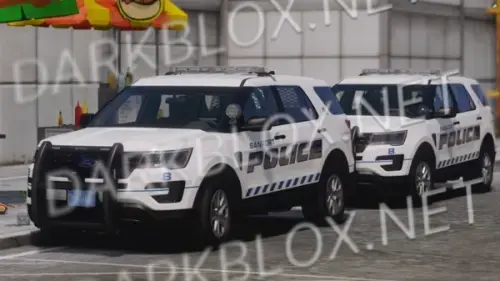
2x Massachusetts Port Police Vehicles, I think these are from WWRP but not entirely sure who's they are.
- Free
- 6 Downloads
-
- Free
- 9 Downloads
-
- Free
- 1 Downloads
-
- Free
- 4 Downloads
-
- Free
- 2 Downloads
-
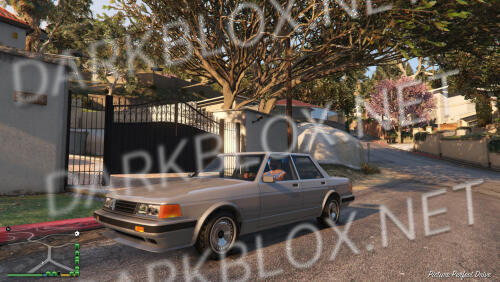
Vanilla edit of the sentinel from gta4. has no tuning, SP version as well as FiveM included.
- Free
- 0 Downloads
-
- Free
- 1 Downloads
-
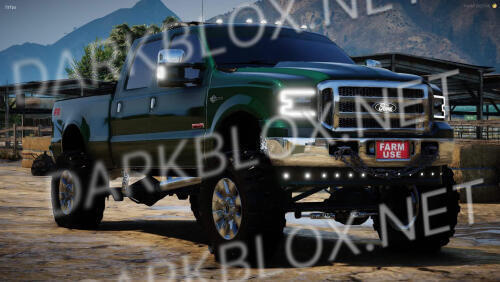
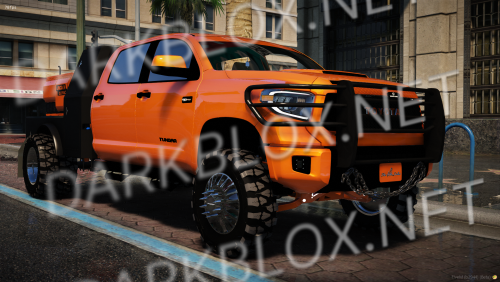
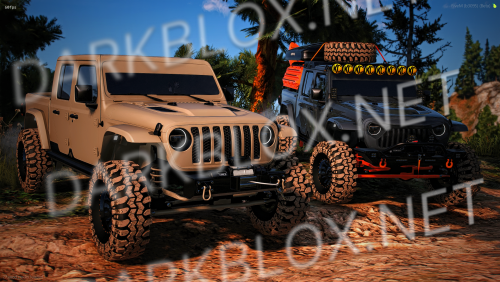
SUMMARY
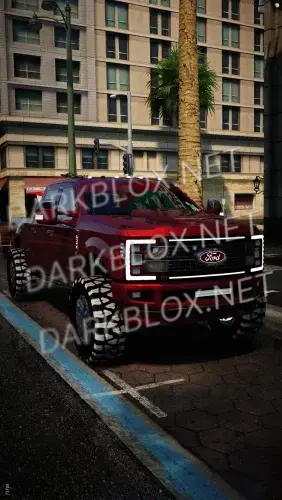
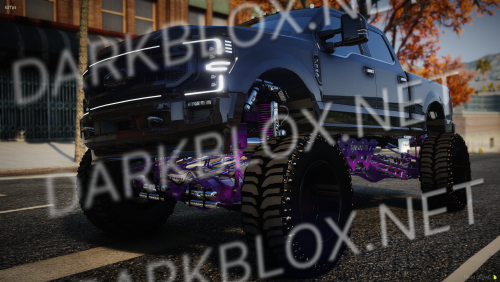
Max extras (12) with more in body kits
Spinning belt and fan
Moving air freshener and antenna
All suspension flexes and pivots perfectly (its set up in 10 different parts to work as good as fivem allows it to)
Everything is removable
Roof comes off as an extra
Lots and lots of custom parts
Soft suspension for crawling/off-roading
ALL lights inside and out are emissive and work as they should (including the rigid cubes for backup lights and the ones by the hood)
2 Front bumper options (light bars and cubes work)
2 Front clip options (headlights work for both)
Bumper pull hitch
Highly detailed color changing interior
Exhaust shakes at idle and when revving
EXTRAS
Roof
Roof rack and spare tire
Sticker on back glass
KC lights across windshield
Rigid cubes and brackets by lower windshield
Yeti cooler in the back seat
Rock sliders/Side steps
Grill mesh inserts for stock grill
Tent on the bed rack
Red bull can in the cup holder
Painted windshield banner
Tuner on the dash
BODY KITS
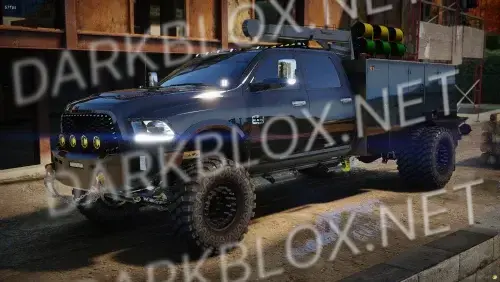
Rack on the bed, mud ramps and water/fuel tanks
Kayak in the bed
PAINTS
Paint 1: Exterior body color
Paint 2: Lift and suspension color, Yeti cooler in the bed, trim on the dash, parts on the bed rack, tow shackles on the bumpers etc..
Paint 6: Interior color
Paint 7: Kayak in the bed and fan color
Paint 4: All light up parts (Halo headlights, rock lights, rigid led cubes etc
- Free
- 30 Downloads
-
- Free
- 6 Downloads
-
- Free
- 3 Downloads
-
One of the last listings for ASP Vert still has.
Key Features
- 4K Livery and Reflective livery
- Highly Optimized
- 1:1 Interior with HQ Parts
- Custom Lighting Emissives
- Rotating Spotlight
- Custom Front and rear visor flashback
ULC FEATURES
- Spotlight Is controlled Through ULC
- Take Downs with full environmental emmissives
- Front Kill
- Drive Mode/ Pattern
- Park Mode/ Pattern
- Cruise
- Realistic Environmentals
- Free
- 10 Downloads
-
- Free
- 3 Downloads
-
- Free
- 9 Downloads
-
- Free
- 1 Downloads
-
- Free
- 17 Downloads
-
- Free
- 9 Downloads
-
- Free
- 4 Downloads
-
- Free
- 0 Downloads
-
- Free
- 32 Downloads
-
- Free
- 4 Downloads
-
This is day 11 of the Christmas calendar. I have 14 more days, so be on the lookout for these drops.
All are open source and were never escrowed.
Please note that these are just the liveries; there are no vehicles with them
- Free
- 4 Downloads
-
- Free
- 12 Downloads
-
- Free
- 13 Downloads
-
- Free
- 2 Downloads
-
- Free
- 1 Downloads
.thumb.webp.37093a076bff8ee6bbb0c02edb97abb5.thumb.webp.c7b455ce3714f879fb13a6f8dadb466e.webp)
.thumb.webp.f6d8a06f311a8eb2b80cde68748f6458.thumb.webp.7717641af59f40145f3b568cbafa9fba.webp)