Registration is limited to Google Gmail & MailRU & Yahoo & Yandex email addresses.
Do not create multi-accounts, you will be blocked!


kirill12633
Administrator
-
Joined
-
Last visited
Files posted by kirill12633
-
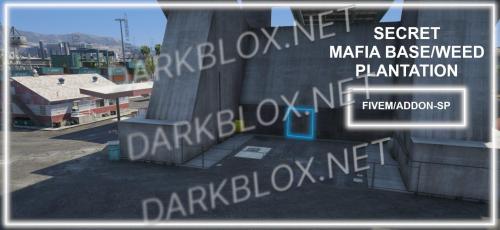
Hidden weed plantation and mafia base interior located in the docks. Discreet entrance requires close inspection to discover, making it perfect for immersive RP servers. Features detailed drug operation setup ideal for criminal roleplay scenarios.
- Free
- 2 Downloads
-
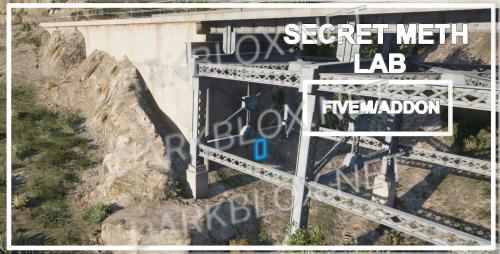
Hidden meth lab interior featuring a concealed production site. Includes custom map location at coordinates 2719, 5204.7, 49.64. Fully detailed environment for roleplay scenarios. Compatible with both single-player and FiveM server installations.
- Free
- 6 Downloads
-
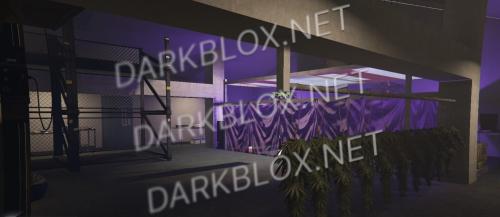
Secret Base interior resource featuring a mafia hideout or weed plantation with 8 different location variations. Use all locations simultaneously or select individual ones by removing unwanted location folders. Fully customizable and easy to configure for both single-player and server environments.
- Free
- 7 Downloads
-
Custom hideout map featuring a meeting room, roof terrace, and additional spaces. Built with CodeWalker and includes YMap file. Compatible with FiveM servers and single-player installations.
- Free
- 1 Downloads
-
A transformed abandoned train car serving as an immersive secret base. Features detailed interior design with hidden drug stashes and illegal item storage. Includes immersive environmental details for enhanced roleplay gameplay. Compatible with FiveM servers and Story Mode via Menyoo Spooner.
- Free
- 5 Downloads
-
- Free
- 69 Downloads
- 1 Comments
-
- Free
- 11 Downloads
-
- Free
- 19 Downloads
-
- Free
- 12 Downloads
-
- Free
- 32 Downloads
- 1 Comments
-
- Free
- 11 Downloads
-
- Free
- 6 Downloads
-
- Free
- 5 Downloads
-
- Free
- 3 Downloads
-
- Free
- 1 Downloads
-
- Free
- 6 Downloads
-
- Free
- 4 Downloads
-
- Free
- 4 Downloads
-
- Free
- 6 Downloads
-
- Free
- 0 Downloads
-
- Free
- 5 Downloads
-
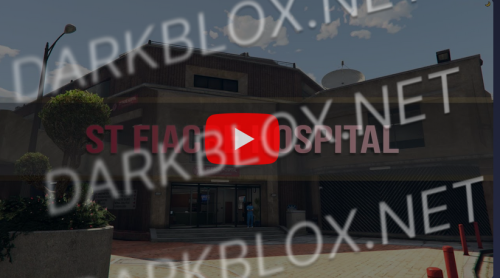
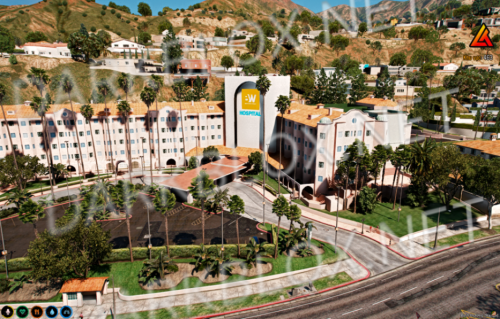
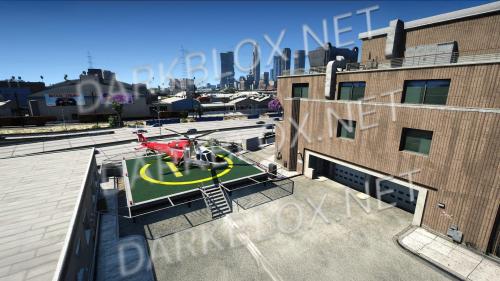
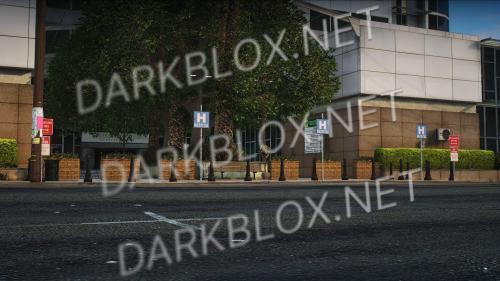
YMAP resource adding decorative elements to St. Fiacre Hospital including benches, flags, gates, road signs, and helipad. Features fully configurable decorations for FiveM with optional prop groups, plus a Single Player version with all elements enabled by default. Includes alternative bollard model option.
- Free
- 4 Downloads
-
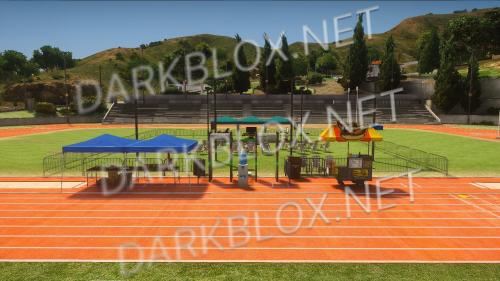
Comprehensive EMS training area YMAP for FiveM and Single Player with configurable decorations including chairs, fences, food stands, and gates. Features a main training facility and optional gym. Easy installation via drag-and-drop for FiveM servers or OpenIV for Single Player. Requires additional medical prop pack files for full functionality.
- Free
- 7 Downloads
-
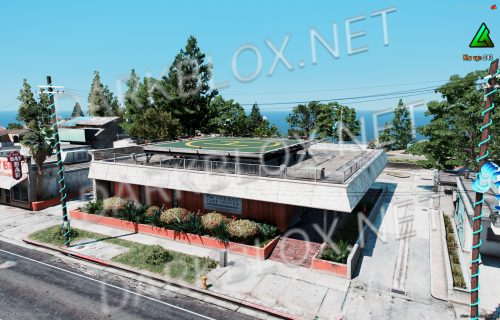
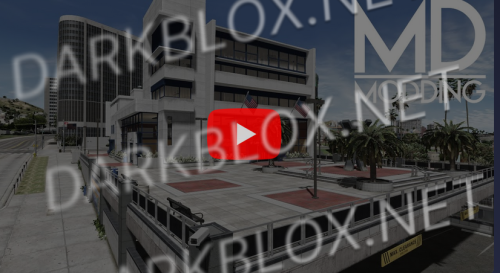
Transforms LS Central Hospital with custom decorations including benches, flags, road signs, and helipad lights. Simple drag-and-drop installation for FiveM servers. Fully customizable by removing individual decoration files. Note potential conflicts with other custom maps.
- Free
- 6 Downloads
-
- Free
- 9 Downloads