Registration is limited to Google Gmail & MailRU & Yahoo & Yandex email addresses.
Do not create multi-accounts, you will be blocked!


gog
Trusted Uploader
-
Joined
-
Last visited
Files posted by gog
-
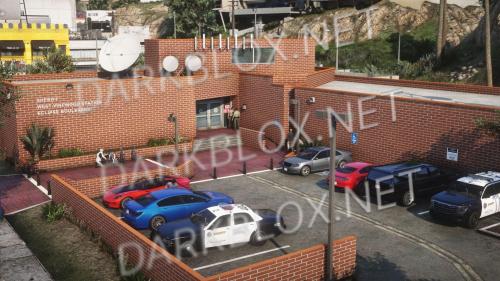
Custom LSSD West Vinewood station mapping inspired by real-life LASD West Hollywood Station. Detailed recreation on Eclipse Boulevard ideal for patrol, investigations, and roleplay. Customizable textures, FiveM compatible, includes solo player installation support with gameconfig recommendations.
- Free
- 8 Downloads
- 1 Comments
-
- Free
- 1 Downloads
-
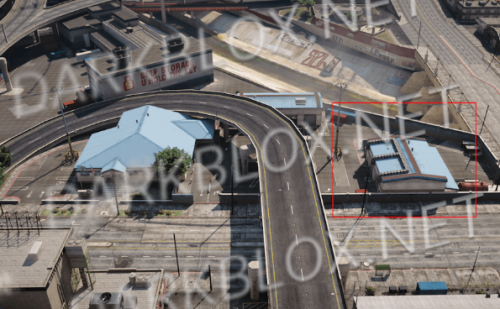
Vinewood PD fence YMAP that adds fencing around the back of Vinewood Police Department and along the top of the adjacent parking lot. Enhances the police station's perimeter with custom mapping details.
- Free
- 3 Downloads
-
- Free
- 0 Downloads
-
- Free
- 3 Downloads
-
- Free
- 2 Downloads
-
- Free
- 3 Downloads
-
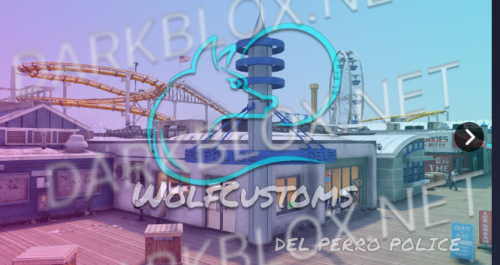
Highly detailed Del Perro pier police station MLO featuring usable doors, interior decoration, custom props, time-based objects, and custom minimap. Includes optimized LOD, emissive lighting, and collision fixes. Compatible with FiveM and single-player installations.
- Free
- 2 Downloads
-
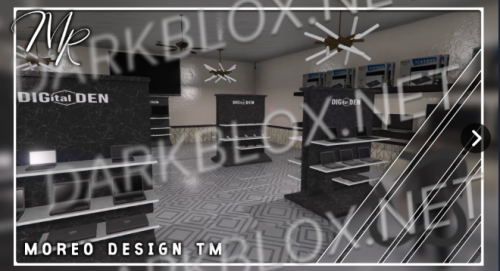
Adds a custom Digital Den map to GTA 5. Simply place the resource folder in your server directory and add it to server.cfg. Features a detailed interior location for roleplay and exploration purposes.
- Free
- 0 Downloads
-
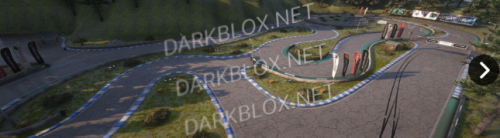
Kunitomi Circuit is a detailed racing track conversion featuring original GTA5 assets including animated flags, clipping boundaries, vegetation, and lighting. This custom circuit map offers a complete race environment ready for multiplayer servers.
- Free
- 22 Downloads
-
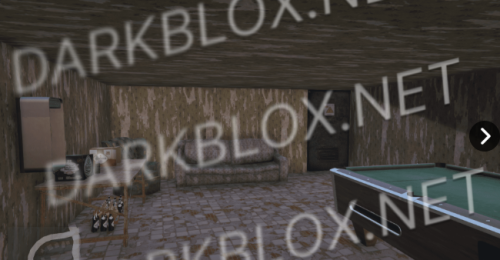
MLO map addon featuring a secret room location for FiveM servers. Includes detailed interior design and environmental assets. Compatible with both multiplayer and singleplayer modes. Requires Script Hook V and OpenIV for installation.
- Free
- 0 Downloads
-
Drift Playground map addon featuring a dedicated drifting location with custom 3D models. First release with potential updates planned. Includes ymap installation requiring OpenIV and dlclist.xml modification. Located at coordinates 0, 0, 500 ingame. Moveable using ymap tools if needed.
- Free
- 27 Downloads
-
Military Observatory converts the observatory into a tactical military outpost featuring trenches, landing zones, and reworked ground textures for enhanced immersion and gameplay variety.
- Free
- 5 Downloads
-
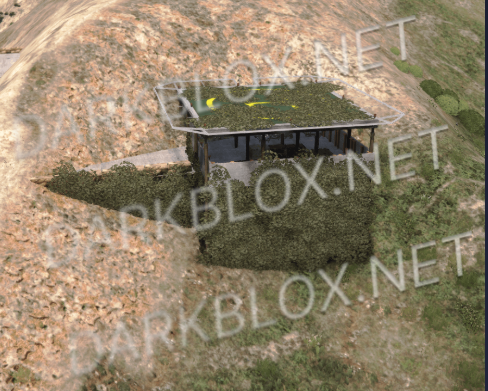
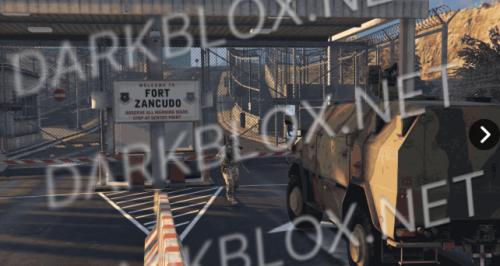
A camouflaged sniper outpost at Fort Zancudo's bridge entrance featuring dual buildings, helipad, and underground interior with weapons and ammunition storage. Highly optimized with under 300 entities using Rockstar props.
- Free
- 4 Downloads
-
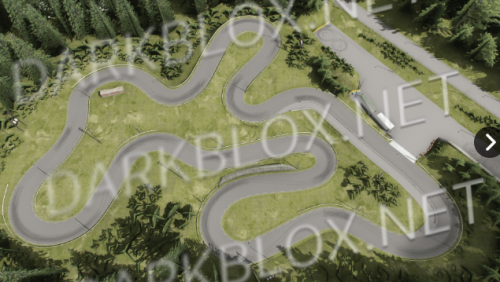
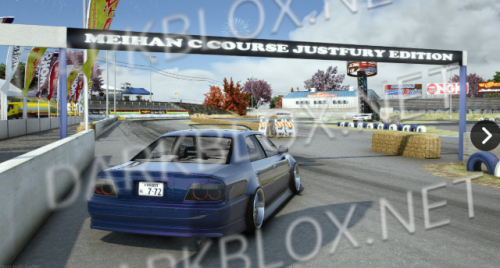
Meihan C Course Special Edition is a custom race track conversion featuring full emissive lighting, optimized collision, and fireworks effects. FiveM ready with minor cosmetic seams. Respects creator permissions and original ACDC model design.
- Free
- 3 Downloads
-
Shinjuku Garage is a custom map mod featuring the iconic Shinjuku location with custom additions and improvements. Includes detailed custom elements and environmental design. Located at coordinates x=-6669, y=2000, z=500. Perfect for exploration and roleplay servers.
- Free
- 9 Downloads
-
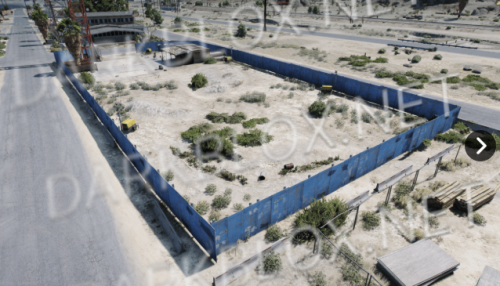
Adds a construction site to Sandy Shores next to the police station with equipment storage. Includes ymap and xml files for both FiveM and single player. Enhances roleplay and gameplay with organized workspace that eliminates street clutter.
- Free
- 3 Downloads
-
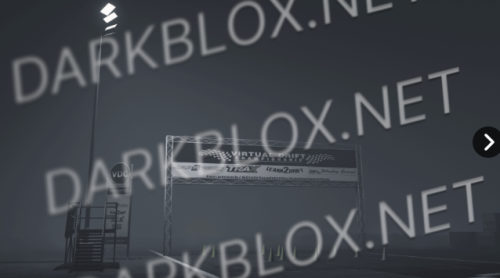
Recreated Virtual Drift Championship Rockingham track brings competitive drifting to LSIA. Features custom VDC props including start cones, banners, and stands that can be placed anywhere, plus custom lighting and prop placement for immersive racing environments.
- Free
- 12 Downloads
-
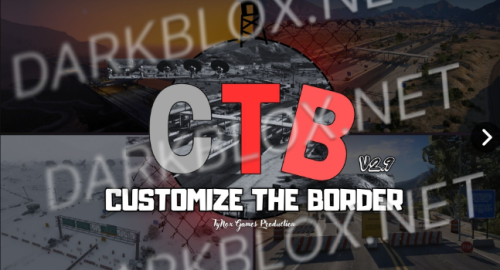
Customize the Border allows players to create and modify borders between South and North San Andreas. Players can personalize border flags and lettering. Features include NPC traffic improvements, reduced mod size, FiveM compatibility, blips, and multiple language support. Latest version includes various bug fixes and border enhancements.
- Free
- 6 Downloads
-
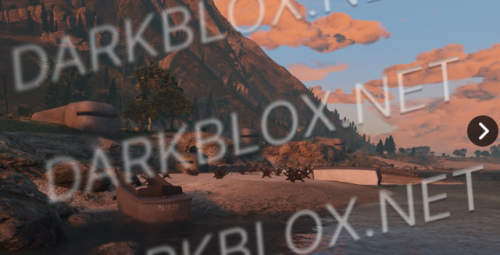
Transforms Paleto Beach into a D-Day battlefield featuring custom bunkers with interiors, trenches, barriers, hedgehog obstacles, and artillery props. Includes optimized custom assets created by Louies Development and SW. Compatible with both FiveM servers and single-player mode.
- Free
- 36 Downloads
- 1 Comments
-
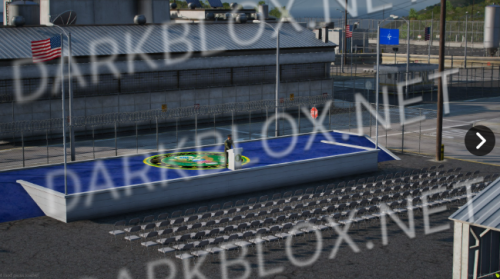
A mapping modification that creates a ceremony place at Fort Zancudo military base. Features a podium prop originally from EvoModdingTeam. Simple installation for both singleplayer and FiveM servers. Created by DomaX.
- Free
- 8 Downloads
-
Enhanced Fort Blaine interior featuring helipads, secure locked entrances, and improved layout. Includes YMAP file for easy installation on FiveM servers. Supports both multiplayer and single-player modes via OpenIV. Built for immersive roleplay environments with professional structure and accessibility features.
- Free
- 8 Downloads
-
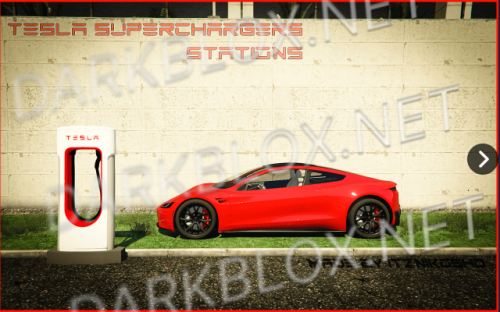
Adds Tesla Supercharger stations across Los Santos, Sandy Shores, and Paleto Bay with improved object rendering and customizable placement. Compatible with both SinglePlayer and FiveM servers with easy installation.
- Free
- 6 Downloads
-
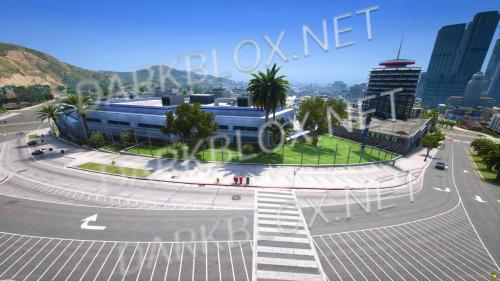
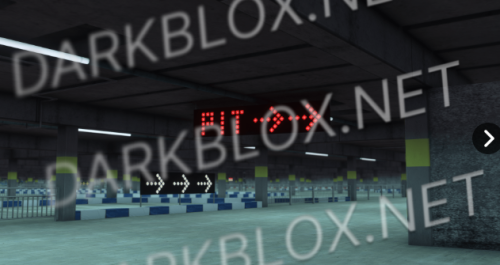
A parking garage interior located near the golf course in the city. Features a detailed custom-built parking structure ready for use in FiveM servers. Compatible with gamebuild 2699 and above.
- Free
- 7 Downloads