Registration is limited to Google Gmail & MailRU & Yahoo & Yandex email addresses.
Do not create multi-accounts, you will be blocked!

NoDebt201
Member
-
Joined
-
Last visited
Everything posted by NoDebt201
-
 One question, how do i make guns show on screen when equipped? they simply dont have a First Person animation and Aim animation
 -
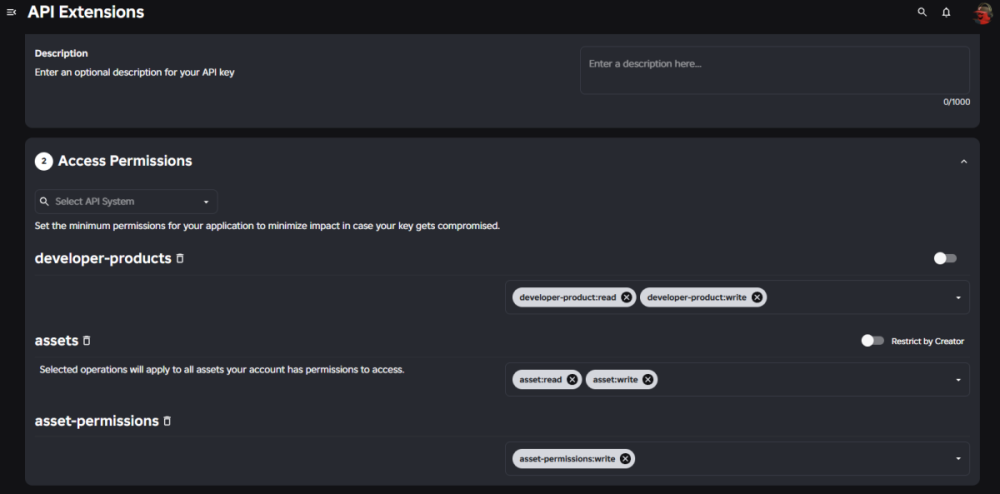
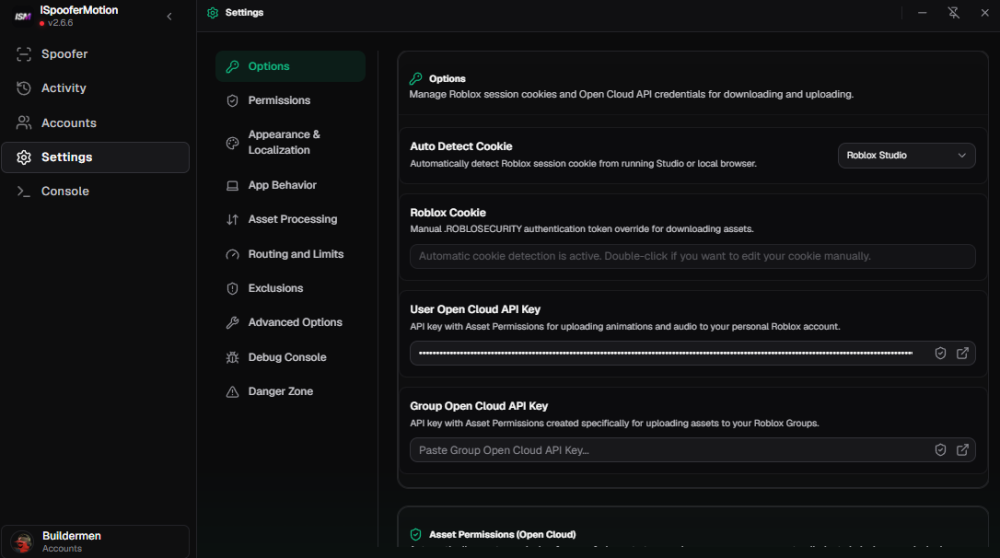
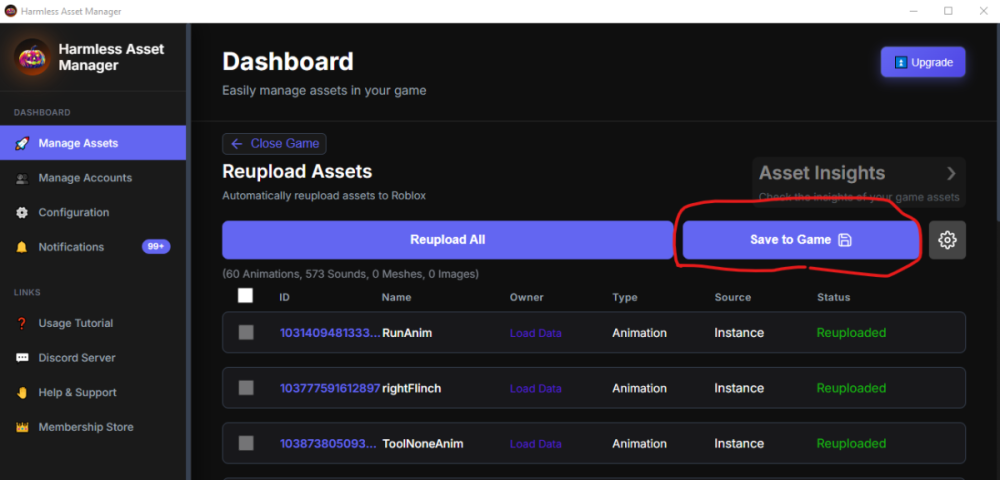
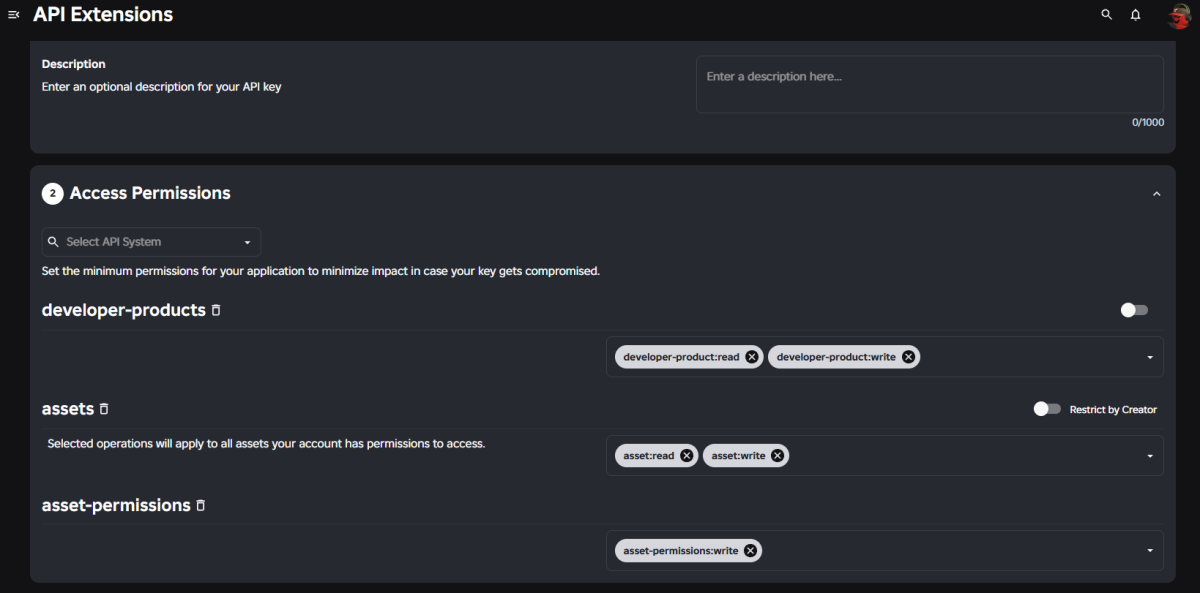
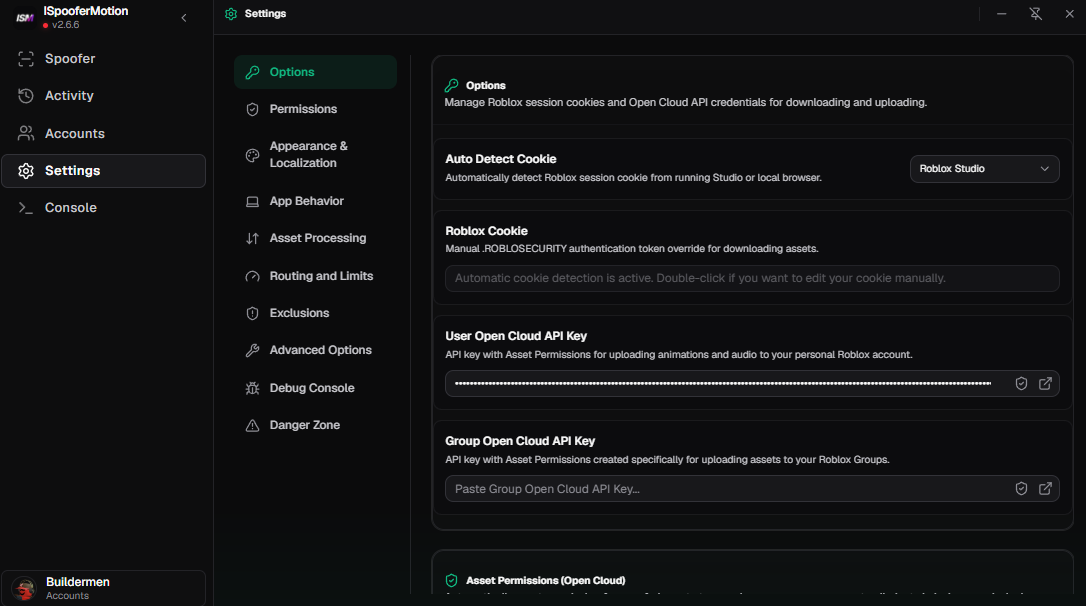
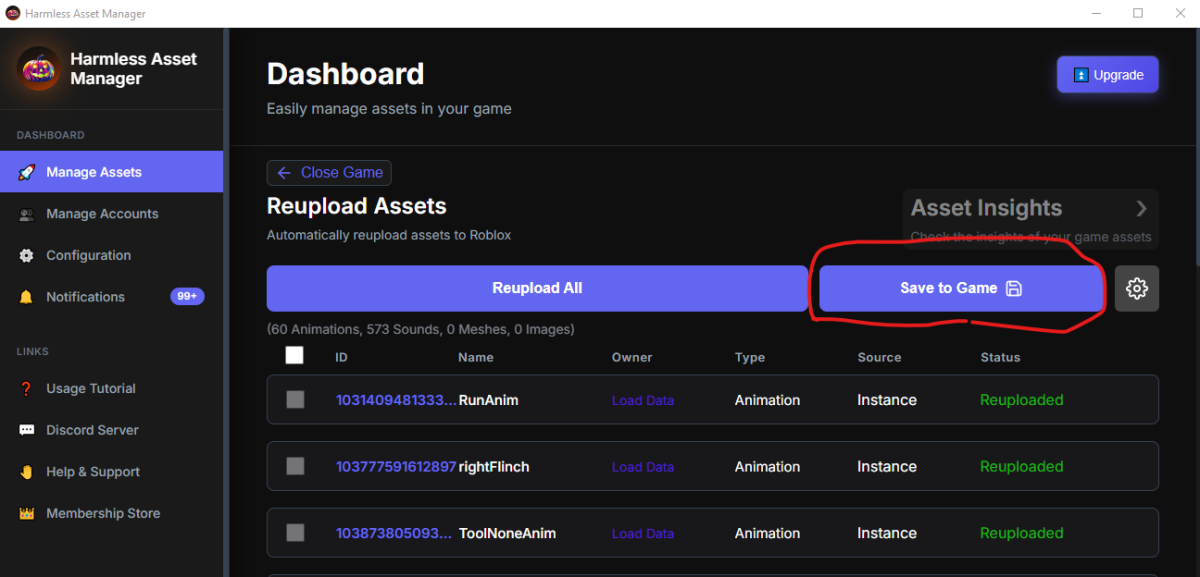
THIS IS A GUIDE FOR PEOPLE WHO DON'T KNOW HOW TO SPOOF ANIMATIONS IN ROBLOX STUDIO It also the reason to the incompetent community that doesn't teach anyone anything—it's a total injustice. The first you're going to do is get a good spoofer like: ISpoofer - https://github.com/ISpooferMotion/ISpooferMotion-V2/releases KatFr Spoofer - https://github.com/kartFr/Asset-Reuploader/releases/tag/1.5.0 (Note that it's outdated) Harmless Asset Manager - https://harmlesscreations.com/ (NEW, Works Fine) All the ones above have a built-in tutorial, except for KatFr Spoofer, i recommend using ISpoofer or Harmless Spoofer. You will need Cookie Editor extension for Harmless - https://chromewebstore.google.com/detail/cookie-editor/hlkenndednhfkekhgcdicdfddnkalmdm To copy and paste your ROBLOSECURITY in the app config. ISpoofer Auto-Detects your ROBLOSECURITY so don't worry if you're lame for these things. After setting them up, you're going to do is get on https://create.roblox.com/dashboard/credentials?activeTab=ApiKeys DON'T FORGET TO LOG IN YOUR ACCOUNT CREATE A KEY AND GET THESE PERMISSIONS HERE Once you've finally got everything set up, copy the API key it generated (don't worry about losing the key; you can regenerate it) and paste it into the input field of whichever spoofer you downloaded—here is an example of ISpoofer configured. The spoofers will likely download your plugins directly from Roblox Studio without any issues—and that's it; now you just need to publish the experience as your own in Studio, wait, and then hit the scan studio or analyze, select and spoof the animations. This is a Harmless Asset Manager Example of Successful Spoof/Reupload. Should work fine to your Larping Shooter Game... If you have any questions, just leave a comment or get in touch. MY PLUGIN DOESN'T CONNECT TO THE APP, WHAT DO I DO? R: CHECK EXPERIENCE SETTINGS IN STUDIO, SECURITY, THEN ENABLE THE HTTPS PERMISSION THING ALONG THE API ONE SOME ANIMATIONS CAN'T REUPLOAD! R: CHECK THE API KEY PERMISSION, THE APP, EVERYTHING, IF ELSE DON'T BLAME ME OR THE SPOOFER — BLAME ROBLOX FOR TAKING DOWN THE ANIMATION OR THE DEV FOR DELETING/BLOCKING IT