

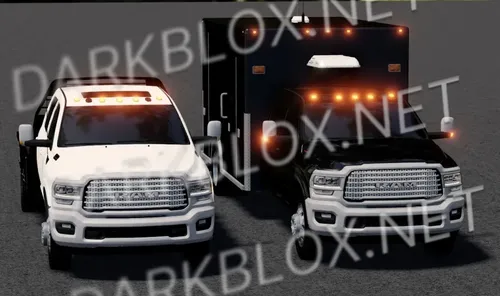
This thing doesn’t roll up it arrives like a fully self-aware command center that decided wheels were more efficient than waiting for permission. The 2016–2018 Rosenbauer Commander Cab Pack isn’t just a fire apparatus, it’s a rolling nerve system, a high-visibility, LED-soaked brain on axles that hums with quiet, unnerving competence. Where older trucks screamed and rattled, this one watches. Calculates. Judges.
The cab is massive like someone took the concept of “space” and engineered it into a glass-and-metal fortress. You don’t climb into it, you get absorbed. Screens glow everywhere, radios whisper constant updates, and every button feels like it could either save a building or accidentally reroute reality. It smells like clean plastic, electricity, and decisions made faster than your heartbeat.
And it’s calm. Too calm. No angry engine tantrums, no dramatic shaking just a controlled, almost eerie readiness. The lights don’t flash, they announce. The siren doesn’t wail, it commands attention. It’s less “fire truck” and more “mobile operations throne,” designed for people who coordinate chaos instead of reacting to it.






Recommended Comments
Create an account or sign in to comment