Skip to content
Do not create multi-accounts, you will be blocked!

Morph Menu 1.rbxl 1.0.0

(1 review)

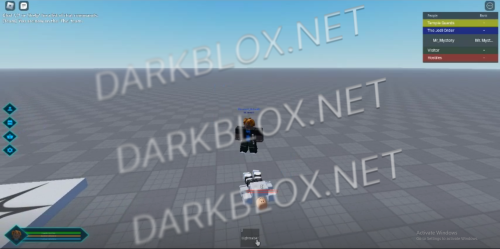
1 Screenshot

MorphMenuandTeamSelectionGUI.thumb.png.a8e2b0e86e6d5f1f7d6b24cc552175ce.pngMorph Menu 1.rbxl

What's New in Version 1.0.0

Released

No changelog available for this version.

User Feedback

Recommended Comments

nova_1998

Active Member

Why wont it work, http request and api is on aswell.

nova_1998

Active Member

ye it wont work, faulty.

Mr. Goods

Active Member

2 minutes ago, nova_1998 said:

Why wont it work, http request and api is on aswell.

Did you change the group ID or gamepasses ID if it's the GUI not popping up just make a new screengui and put everything under it and rename it to MenuGUI

nova_1998

Active Member

i did all of that, the menu opens but when i click on buttons nothing happens, just a sound.

On 1/23/2025 at 9:53 PM, nova_1998 said:

i did all of that, the menu opens but when i click on buttons nothing happens, just a sound.

check the scripts, maybe they're expecting a different name for a new frame?

Create an account or sign in to comment

Other files from Mr. Goods


Powered by darkblox.net

Account

Navigation

Search

Search

Configure browser push notifications

Chrome (Android)
  1. Tap the lock icon next to the address bar.
  2. Tap Permissions → Notifications.
  3. Adjust your preference.
Chrome (Desktop)
  1. Click the padlock icon in the address bar.
  2. Select Site settings.
  3. Find Notifications and adjust your preference.