Registration is limited to Google Gmail & MailRU & Yahoo & Yandex email addresses.
Do not create multi-accounts, you will be blocked!
Leaderboard
-

Stage Builder
Member2Points642Posts -

John F. Kennedy
Active Member1Points36Posts -
wimbledon.leaked
Active Member1Points23Posts

Popular Content
Showing content with the highest reputation on 02/15/25 in Files
-
1 point
-
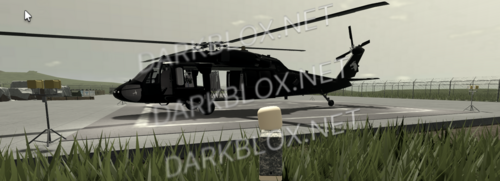
 Provided by Scripter Wizard Instructions For Setup: Move SecurityCameraSystem to Workspace Move CCTVSystemGUI to StarterGui (Optional) Edit team/group lock in the Settings ModuleScript inside of SecurityCameraSystem. Instructions for adding a new camera: Duplicate a camera in the SecurityCameraSystem folder, move it around. The yellow cylinder shows where the camera is pointed normally, this disappears ingame. Make sure any parts of the camera are inside the duplicated part. All done! Easy, isn’t it?Free1 point
 -
1 point
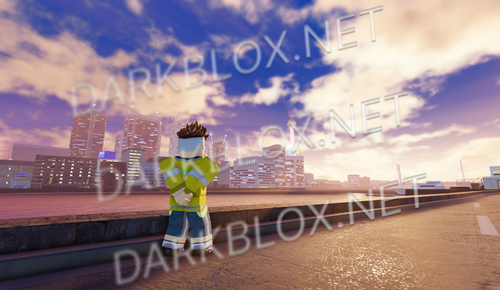 the new soulless map that literally killed the whole game…. no terrain + no scripts (only affects the island tho because the city is still the same) i forgot how old these are so it might not be the newest version but the map will be the sameFree1 point
 -
1 point
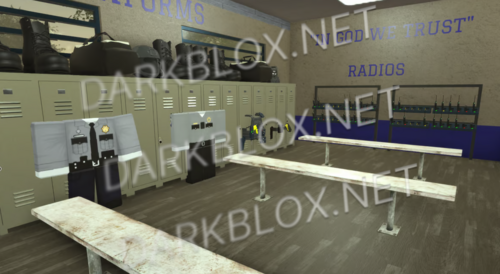 Roleplay Ready! Teams: – Nevada Highway Patrol – Las Vegas Metropolitan Police Department – NRC Staff Team – Clark County Fire Department – Clark County Department Of Transportation – Civilian Custom Scripts, Custom GUI’s, Roleplay Animations, Vehicles for all Departments, Xbox and PC, ACS, Scripted, Custom Lighting, Custom Weather Script, Realistic FD Gear, Fire Department Script, Custom Loading Screen, Vehicles Xbox Scripted and PC.Free1 point