.thumb.png.59a7ae9e767ba840ed9e9ca78219f2df.png)

🛠️ (QB) SKR CHOPSHOP - Advanced Chopshop Missions for FiveM 🚗💰
📜 Overview
SKR CHOPSHOP is a FiveM script built for the QBCore framework, allowing players to start missions after finding a ped around the map. NPCs spawn with weapons configurable in the config lua and behave in a defensive manor towards the vehicles. In order to complete the mission take out anyone in the way of stealing the car and deliver the car to the same location the mission started.
📱 Usage
Participate in Chopshop Missions
Players can take on missions to locate and deliver specific vehicles to the chopshop for various rewards configurable to each mission.
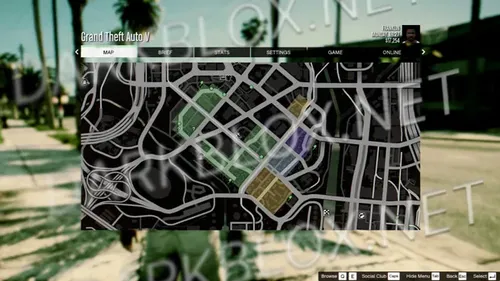
After selecting a mission the vehicle is marked with a gold blip and route on the map, guiding players to vehicle locations.
Successfully collect and deliver the vehicle to earn a payout.
💡 Features
Chopshop Mission System: Retrieve specific vehicles from designated map locations and deliver them to the chopshop.
Customizable Spawn Points: Easily update NPC and vehicle spawn locations to suit your server's gameplay style.
Configurable payouts for each missions. Add as many missions as you would like in a few minutes.
Anti-Exploit Mechanisms: Prevents players from leaving early to collect pay.
Seamless payments with QB that go straight to the players bank account after each mission.
Script automatically timesout if the mission isnt completed within 25 min.
Sets the fuel between 30-70% to avoid running out of fuel during a mission.
Script automatically ends if the player dies.
Automatic version checking after every server start.
Performance Optimized: Script idles at 0.01ms under load 0.05⚡
📂 Recent Updates (v1.0.6 → v1.0.7)
✅ Added 6 missions
✅ Police are suppressed until player gets into car(sd-police)
✅ qb-target issue fixed
✅ optimized client script

.jpg.f1dcb034f953898a6ebe7657e0b06fe2.thumb.jpg.8789f52d4c4267b0c26b6cf4969a06fb.jpg)
.png.cab9bdb85cb21ce6733e738f49490f1d.thumb.png.310883977c0c0efcb955813cb26c5505.png)
You may only provide a review once you have downloaded the file.
There are no reviews to display.