
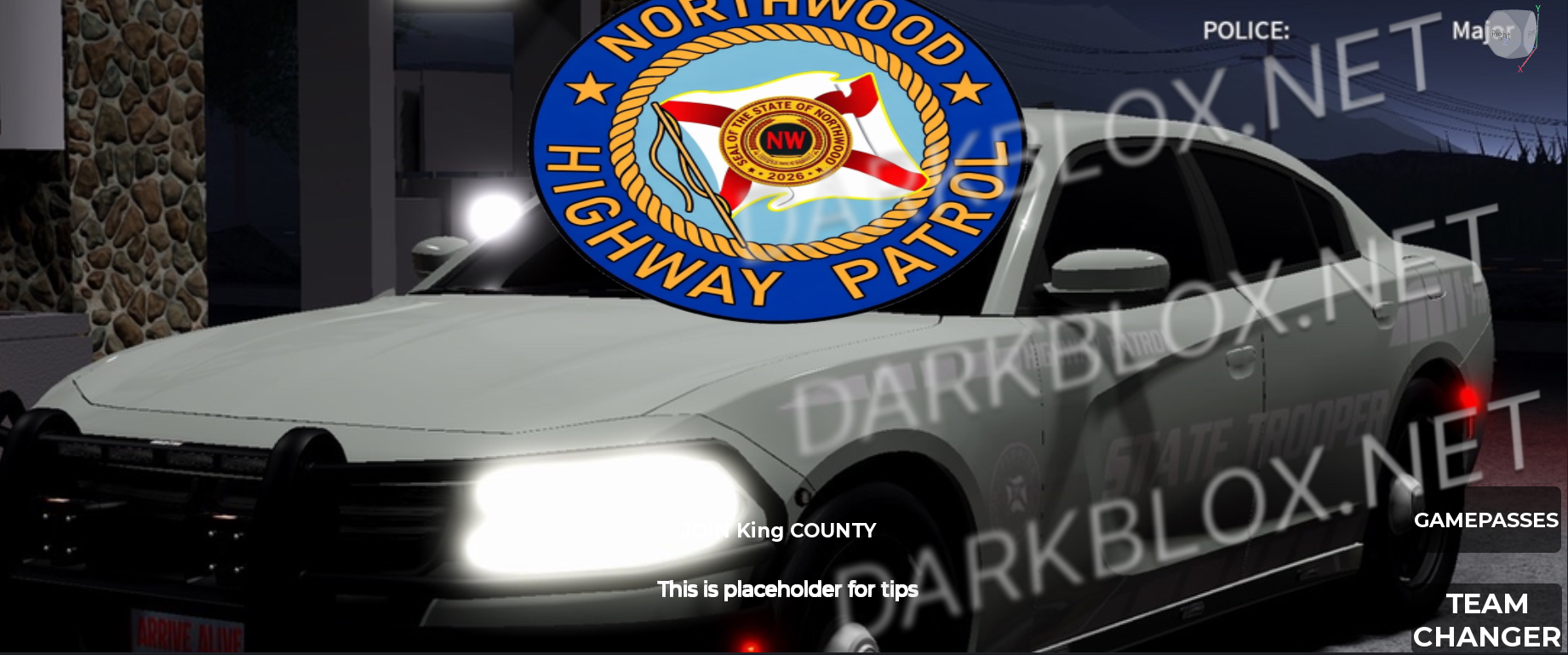
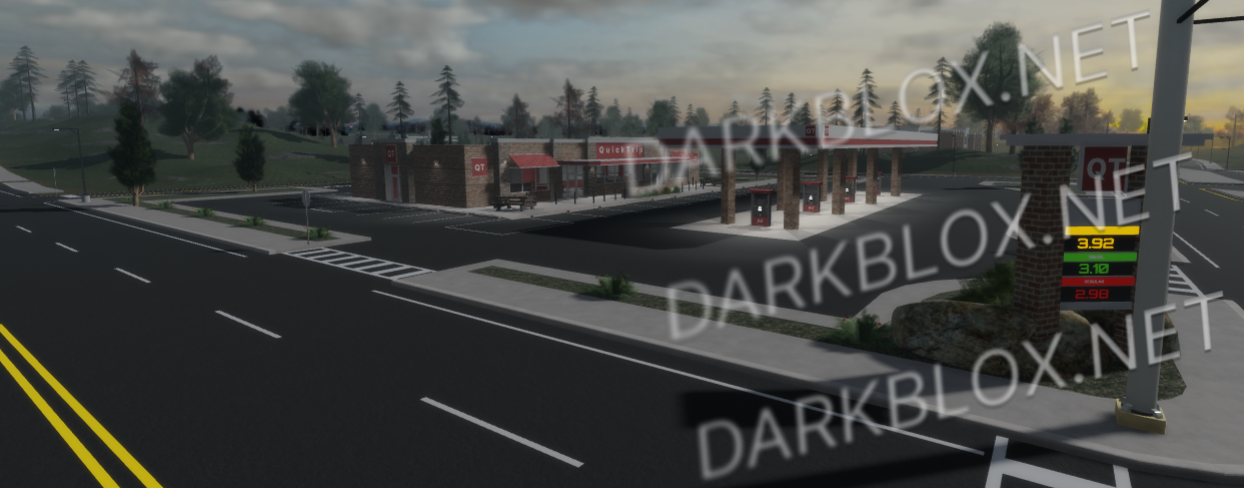
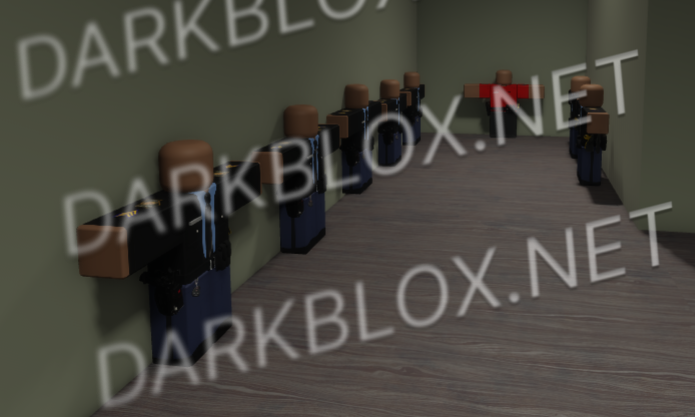
ROCKWOOD STATE ROLEPLAY V1 — RELEASED TO THE COMMUNITY
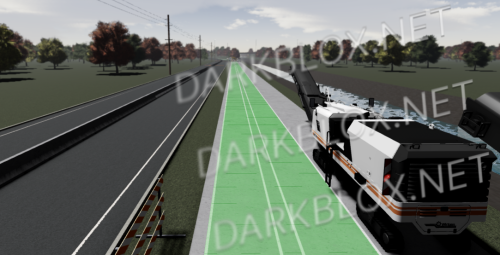
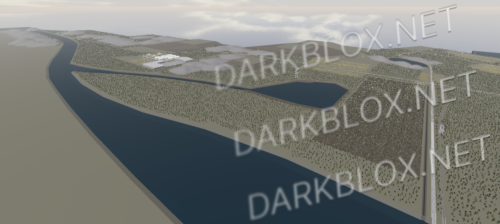
I’m officially releasing my Rockwood V1 game for everyone to enjoy! Everything included in the game, including outfits, vehicles, weapons, and other assets, is yours to use and enjoy.
GAME FEATURES
All vehicles work.
Guns and weapons work.
Everything in the game is functional and ready to use.
Please do not ask me if the cars or guns work. They do work in the game. The game is being released for everyone to enjoy, so have fun with it!
TEAMS INCLUDED IN THE GAME
▸ BCII
▸ Civilian
▸ Fire Department | EMS | FRR | Rescue
▸ JHDOT Department of Transportation
▸ Jail
▸ K9 UNIT
▸ King County Sheriff's Office
▸ Michigan State Police
▸ North Jefferson State Highway Patrol
▸ Park Ranger
▸ SRU | Special Response Unit
▸ STAFF
▸ Security
▸ Trucker
Thank you to everyone who supported Rockwood along the way. I hope y’all have fun with the game and can make something great out of it.
Want more releases like this? Let me know!
Have a great day, everyone, and enjoy Rockwood V1!





Recommended Comments
Create an account or sign in to comment