Skip to content
Do not create multi-accounts, you will be blocked!

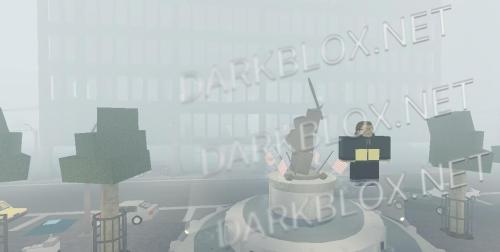
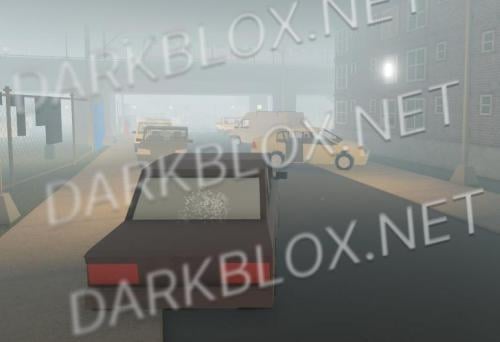
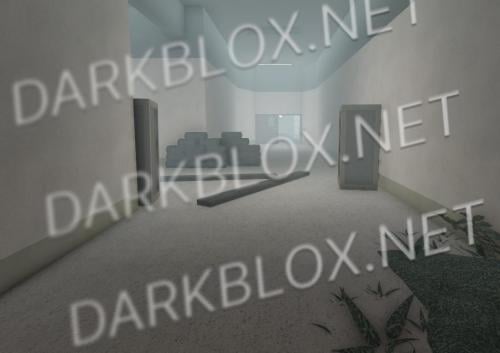
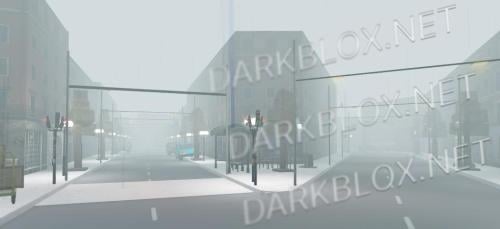
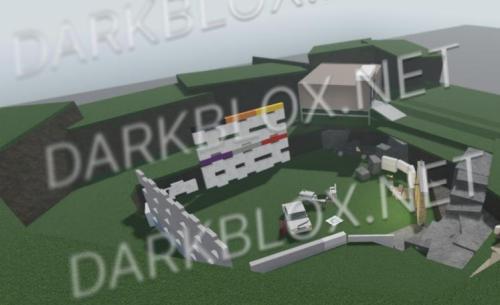
"ErebusCorrectional" The String map 1.0.0

(0 reviews)

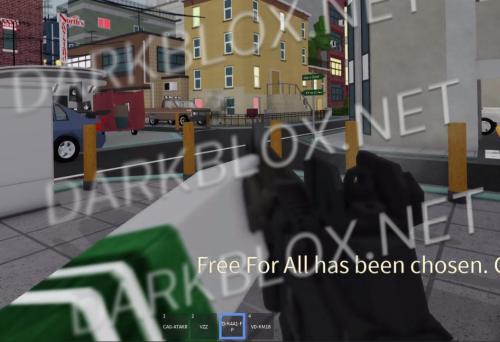
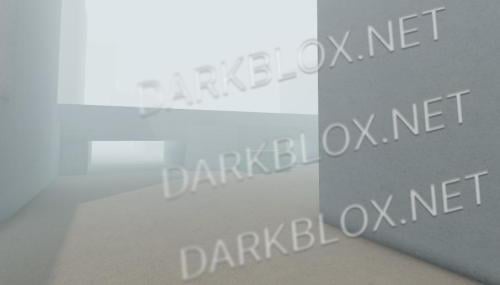
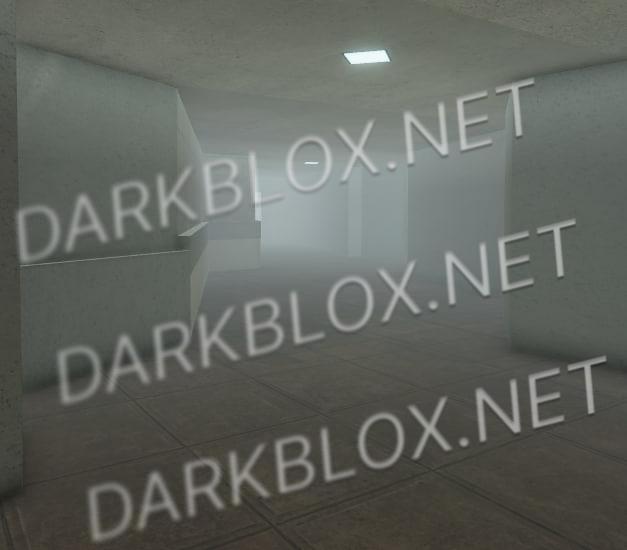
1 Screenshot

another day, another map asset

User Feedback

Recommended Comments

Gayfer67

Active Member

After reading all the "README" you sound fucking corny like wdym "dorks thinking that they removed all my accounts from whitelist :rofl:

maybe opening your game to open-beta is the only way to stop me uploading those files, I'm gonna keep waiting until someone from the string dev team will contact me and pass me everything I want:" you're not some badass villain

Gayfer67

Active Member

Also, the reason the devs(Maybe) are not going to contact you is because all your doing is publishing broken maps and MAPS only

andrewka

Active Member

5 часов назад, Gayfer67 сказал:

After reading all the "README" you sound fucking corny like wdym "dorks thinking that they removed all my accounts from whitelist :rofl:

maybe opening your game to open-beta is the only way to stop me uploading those files, I'm gonna keep waiting until someone from the string dev team will contact me and pass me everything I want:" you're not some badass villain

who said im counting myself as villian folk

andrewka

Active Member

5 часов назад, Gayfer67 сказал:

Also, the reason the devs(Maybe) are not going to contact you is because all your doing is publishing broken maps and MAPS only

as some uploaded files says "its not my issue if you don't know how to fix unions"

andrewka

Active Member

5 часов назад, Gayfer67 сказал:

Also, the reason the devs(Maybe) are not going to contact you is because all your doing is publishing broken maps and MAPS only

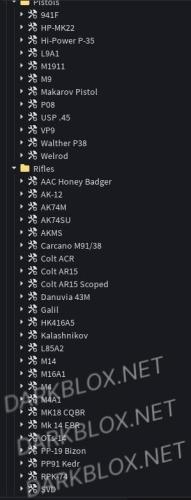
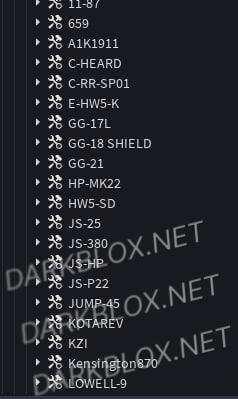
and still the maps takes a lot of effort for the devs, so alr I will upload new guns now

Create an account or sign in to comment

Other files from andrewka


Powered by darkblox.net

Account

Navigation

Search

Search

Configure browser push notifications

Chrome (Android)
  1. Tap the lock icon next to the address bar.
  2. Tap Permissions → Notifications.
  3. Adjust your preference.
Chrome (Desktop)
  1. Click the padlock icon in the address bar.
  2. Select Site settings.
  3. Find Notifications and adjust your preference.