Skip to content
Do not create multi-accounts, you will be blocked!

Southwest Florida Beta [Dexxed] 1.0.0

(1 review)

3 Screenshots

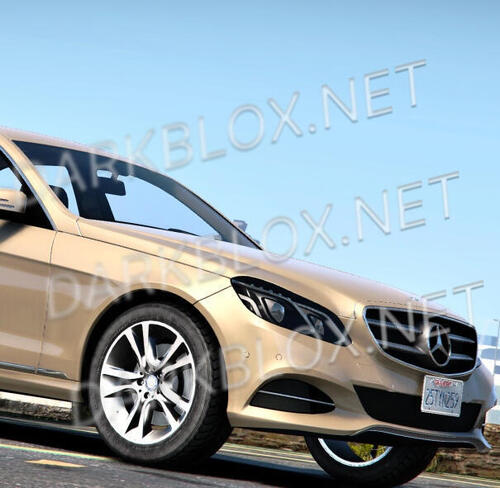
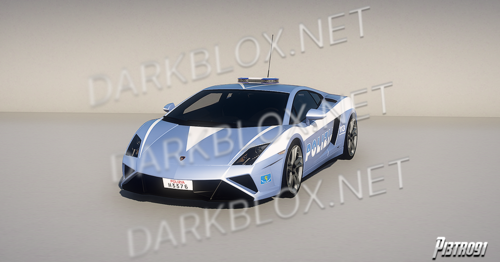
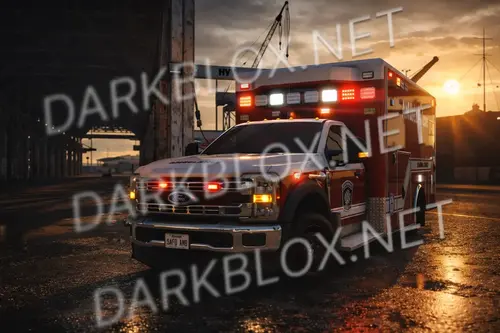
Added a new racing system, replaced a number of car models, added new properties & motorsports facility! Join the all new Drivers' Club job team to experience it all!

⚠️ All forms of exploiting, including exploiting your car, will result in a PERMENANT ban. Bear this in mind! :warning:

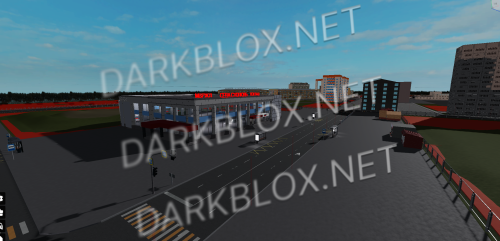
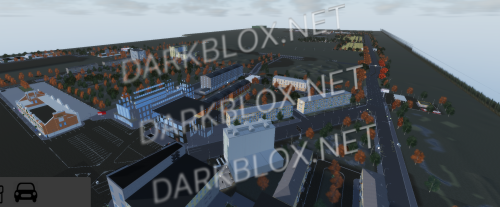
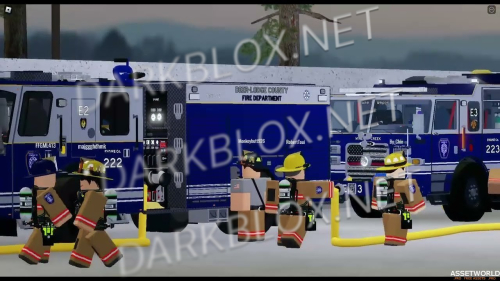
Welcome to Southwest Florida! Based around the Bonita Springs area, Southwest Florida is a roleplay game that offers a variety of jobs, vehicles, and more!

⚠️ This game is not complete and some features are missing.

⚠️ This is a large game and lower end PCs, laptops, phones, and tablets may experience performance issues.

User Feedback

Recommended Comments

iRageBaitForFun

Active Member

Not goated at all, only because the fact you had to copy and paste the entire roblox page.. and not only that swfl is nothing right now, until their revamp ever comes to light that will never be released. finna go wash my eyes out with bleach now. 🤣

  • Executive Director
8 hours ago, iRageBaitForFun said:

Not goated at all, only because the fact you had to copy and paste the entire roblox page.. and not only that swfl is nothing right now, until their revamp ever comes to light that will never be released. finna go wash my eyes out with bleach now. 🤣

Love your username❤️

wvsf.

Member

Why when i run the game is there just a water image? Any fixes??

dcory

Active Member

On 7/19/2026 at 1:30 PM, wvsf. said:

Why when i run the game is there just a water image? Any fixes??

i asked AI the same thing and it said that there is no code for the game to run??

not sure what that means but i was really looking forward to this map

mova

Active Member

pls asset midnight chasers salt flat map

Create an account or sign in to comment

Other files from AMRX


Powered by darkblox.net

Account

Navigation

Search

Search

Configure browser push notifications

Chrome (Android)
  1. Tap the lock icon next to the address bar.
  2. Tap Permissions → Notifications.
  3. Adjust your preference.
Chrome (Desktop)
  1. Click the padlock icon in the address bar.
  2. Select Site settings.
  3. Find Notifications and adjust your preference.