

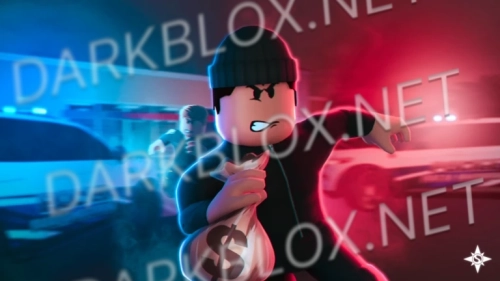
Prison Life
Important Notice
Just to clarify, I am not the creator of this game. I have simply re-uploaded the file to DarkBlox to make it accessible for the community to use. Full credit goes entirely to the original developers, creators, and owners.
Have fun and happy developing with your project.
Disclaimers
Game Quality: I take no responsibility for the overall performance or quality of the game.
Bugs and Missing Assets: Any technical glitches, bugs, or missing components—such as scripts, models, and assets—are beyond my responsibility.
Technical Support: I am under no obligation to provide troubleshooting or setup assistance. However, I am always open to doing my best to guide you through any issues via DarkBlox Messages or Discord (@austinparks).
Setup Requirements
To give the game the best chance of working properly, please ensure you have completed the following steps:
Publish the game to your Roblox account.
Turn on HTTP Requests in your game settings.
Grant Studio Access to API Services.
Additional Adjustments
Depending on the specific mechanics of the game, you may also need to manually handle the following to ensure everything runs smoothly:
Spoof or replace any broken or missing animation assets.
Update any deleted or missing IDs for assets, audio, decals, animations, etc.
Switch the character rig configuration (changing from R15 to R6, or vice versa).







You may only provide a review once you have downloaded the file.