

Bring your FiveM server to life before players even enter the city with the Prodigy 4.0 Inspired Loading Screen by DarkBlox.
Designed with a premium modern RP aesthetic, this loading screen delivers a cinematic first impression with smooth animations, immersive visuals, and a fully customizable interface built for serious roleplay communities.
Features
🎬 Cinematic Loading Experience
Modern UI inspired by high-end RP servers
Smooth transitions and animations
Premium look and feel
🎥 Custom Background Support
Add your own videos or images
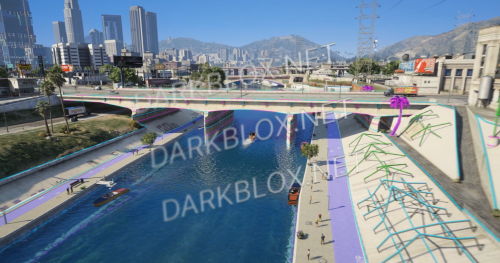
Showcase your city, staff, events, or trailers
🎵 Music System
Custom background music support
Adjustable volume controls
📢 Server Information Panel
Display rules, announcements, updates, and community messages
Keep players informed while they connect
🕒 Live UI Elements
Modern clock display
Dynamic information sections
Clean responsive layout
⚙️ Easy Configuration
Simple setup
Standalone resource
Compatible with most FiveM frameworks
Perfect For:
✅ Serious RP Servers
✅ Whitelisted Communities
✅ Custom Cities
✅ Premium FiveM Releases
Give your players a premium experience from the moment they connect with DarkBlox | Prodigy 4.0 Loading Screen.
.thumb.jpg.d1e7344a6cf947d1768cc51b5b8a53ca.jpg)
.thumb.webp.fbca340dff8410120e590be7c3668bde.webp)
.thumb.jpg.8a817e2f86214ba659f611ad05c87559.jpg)

You may only provide a review once you have downloaded the file.
There are no reviews to display.