Skip to content
Do not create multi-accounts, you will be blocked!
DMCA DELETION - CONTACT US

Unmanned Aircraft (CRACKED?!) 1.0.1

(11 reviews)

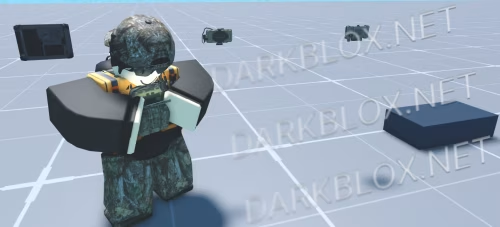
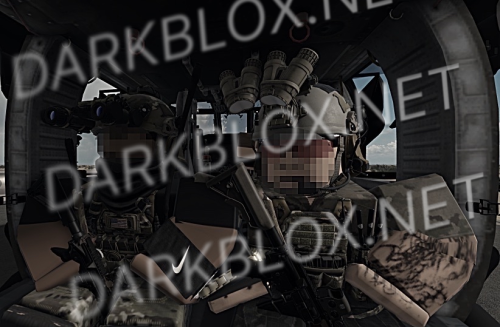
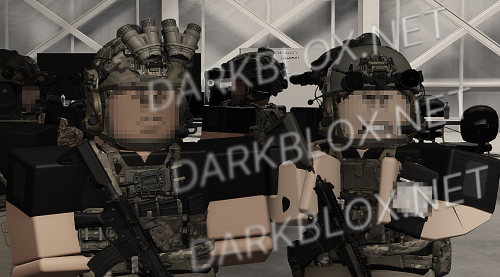
2 Screenshots

Okay well I kinda lied, it's not a cracked version but a recreation of the UA system by Pegasus. It's a near-perfect 1:1 recreation. Mfs from Tel Aviv be obfuscating anything so I decided to make an open-source version for everyone to use and modify for their own needs. You don't need to rely on some guy in Tel Aviv to update it and you don't need to worry about them putting webhooks and vulnerabilities in your game. Also offers more customizability than their shit.

This has little to no ACS support at the moment. Besides the native support its open-source modules had in the base system.

If you have any of their other systems send it over to me. Especially TAK.

Payhip: https://payhip.com/b/eK1Iz

.tungtung (1).png

What's New in Version 1.0.1

Released

FPV gets a seperate flight model (mouse based) and improved ballistics for loiter ordinance UAV Demo 2 is the newest file

User Feedback

Recommended Comments

ortylar

Member

how to leave with uav?

90DELTA

Active Member

2 hours ago, fye said:

how to leave with uav?

backspace

ortylar

Member

who know why only UAV work, other dont work???

Excalibur36

Member

image.png

If anyone is running into the issue of turning the drone model around, just do +3 after the math.pi portion of the invert section and it will orient the model properly.

Why only the RQV works and the other drones not?

How can i solve this?

Nbtf player Dont ask

Active Member

13 hours ago, skibiditoilet111 said:

Why only the RQV works and the other drones not?

How can i solve this?

Rep

New New

Active Member

help, why only UAV work but other dont work?

Alastor

Active Member

what auto spoofer do you recommend the most? not including kartfr

Create an account or sign in to comment

Other files from Ceasr Jones


Powered by darkblox.net

Account

Navigation

Search

Search

Configure browser push notifications

Chrome (Android)
  1. Tap the lock icon next to the address bar.
  2. Tap Permissions → Notifications.
  3. Adjust your preference.
Chrome (Desktop)
  1. Click the padlock icon in the address bar.
  2. Select Site settings.
  3. Find Notifications and adjust your preference.