Skip to content
Do not create multi-accounts, you will be blocked!

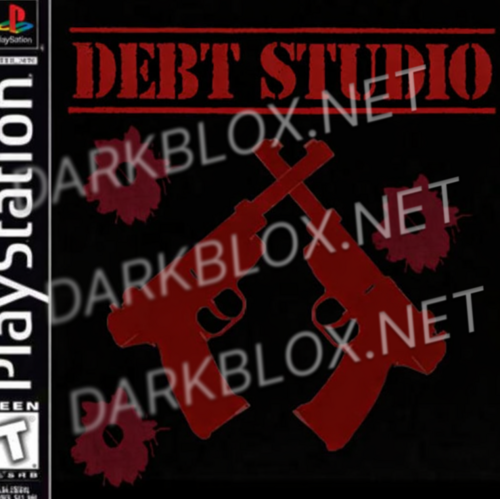
no mercy 3 original 1.0.0

(9 reviews)

1 Screenshot

No mercy

User Feedback

You may only provide a review once you have downloaded the file.

   1 of 1 member found this review helpful 1 / 1 member

DUDE THIS IS THE BEST BRO, THE GAME JUST GREAT but ak47 gun broken BUT OTHER GUN STILL WORK NOMAL 10/10

   7 of 8 members found this review helpful 7 / 8 members

Do not spend ur download into this shit

   10 of 12 members found this review helpful 10 / 12 members

its dead just SpawnLocation penises with NO scripts in ServerScriptService, ReplicatedStorage or ServerStorage and the only 2 scripts that are inside the rbxl is from the ClassicSword Tool who have NOTHING to do with nm3

they call this man 007
0 buttons
0 links

7k people fooled

Guest

Guest

   5 of 11 members found this review helpful 5 / 11 members

BROO thanks this shi is fire, the npc anims cant be spoofed and alexis ar15 is broken but the rest of the anims work ig. good file 10/10 im here before it gets removed

   7 of 7 members found this review helpful 7 / 7 members

Dude this is just swordfights in the heights plus if you go on top of the tower there is nothing? help?

   6 of 8 members found this review helpful 6 / 8 members

Its just sword fight with pencils.

   5 of 11 members found this review helpful 5 / 11 members

WOW 😍 this file CHANGED MY LIFE!! thank u so much for this ❤️❤️🤤Thank U GIF by echilibrultau

   16 of 23 members found this review helpful 16 / 23 members

Dude this is just Sword fight on the heights

Response from the author:

its not you need to go on the top and press the button and tehre will be link you go on it and theres file its lit saying it in the game

   5 of 6 members found this review helpful 5 / 6 members

End your life NOW
You Should Kill Yourself Now! - song and lyrics by lil RavioliSquirtBottle  | Spotify

Other files from Cant No more


Powered by darkblox.net

Account

Navigation

Search

Search

Configure browser push notifications

Chrome (Android)
  1. Tap the lock icon next to the address bar.
  2. Tap Permissions → Notifications.
  3. Adjust your preference.
Chrome (Desktop)
  1. Click the padlock icon in the address bar.
  2. Select Site settings.
  3. Find Notifications and adjust your preference.