


several economy-related features, such as
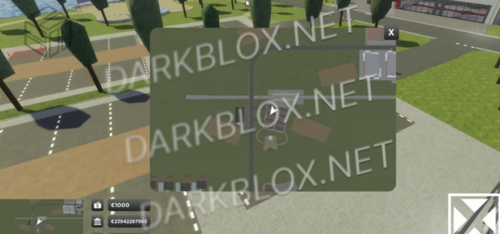
..a money system
– Store money in cash or bank balance
– Withdraw or deposit money from ATMs
– Transfer money between players
– Salary system, which gives money to players in regular intervals
…a shop system
– Includes systems for tool shops, license shops and vehicles
– Require users to have a certain license before being able to purchase an item
– Infinite amount of configurable shops
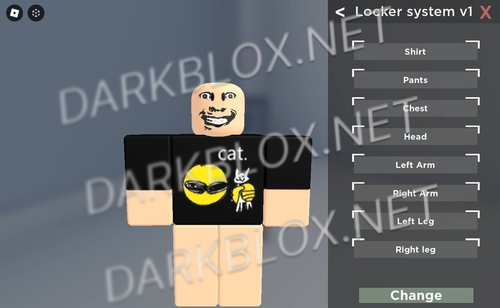
..a team changer system
– Configurable group ID, minimum and maximum ranks
– Allows customization of the team changer’s appearance
– Allows blacklisting of certain ranks entirely
…a spawner system
– Allows configurable team vehicles, which you can lock to certain group ranks
– Allows users to spawn their purchased vehicles
The product has several configurable variables, such as:
– the default amount of cash and bank balance that a user gets
– the currency symbol displayed
– whether to allow transferring currency between players
– the minimum transfer amount
– the time (in seconds) between the salary being given out
– whether the salary is given in cash or bank balance
– whether car purchase are permanent
– whether to display a player’s group rank in the team changer menu
– whether to display team icons in the menu








.png.f651cf1be06ba0b8a860bfeb28d33653.thumb.png.a269ed36f5db0dd055bce7292f39e8f4.png)

Recommended Comments
Create an account or sign in to comment