Registration is limited to Google Gmail & MailRU & Yahoo & Yandex email addresses.
Do not create multi-accounts, you will be blocked!
All Activity
Past hour
-
 A child died there and 4 of the victims were like under 18. Ur sick in the head.
 -
kratos123123 joined the community
-
Boss IPhone Melnychuk joined the community
-
squiddog joined the community
-
MIDNIGHT ARRIVES joined the community
-
Jorge Jorge joined the community
-
Raymond Zheng joined the community
-
Gilang Artha joined the community
-
Yuan Miguel Salazar joined the community
-
goffyasspat changed their profile photo
-
unknow1231 joined the community
-
Also might ne looking for other stuff
-
SCHRIEKEEE changed their profile photo
Today
-
-
-
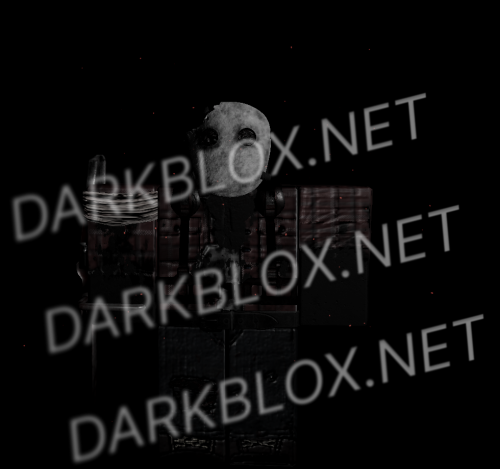
CHAIN CH2 BURNED MODEL burn. burn. burn. CHAPTER 2 File Information Submitter Ramzik Submitted 10/22/26 Category Dexxed & Maps View File
-
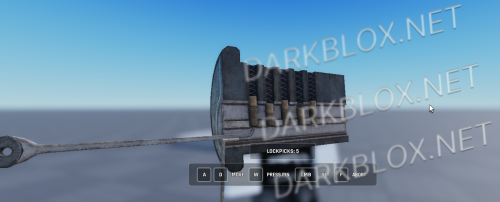 LOCKPICK HAVOCTheres a bug where, when entering the menu and then exiting it, the player cant moveFree
 -
Locpick Havoc LOCKPICK HAVOCTheres a bug where, when entering the menu and then exiting it, the player cant move File Information Submitter BleckPencil Submitted 10/22/26 Category Systems View File
-
-
-
-
tutisbrave changed their profile photo
-
unrealengineee changed their profile photo
-
-
zinny changed their profile photo
-
1400 x RTO changed their profile photo
-
Mueen Scholtz changed their profile photo
-
alt anon account changed their profile photo
-
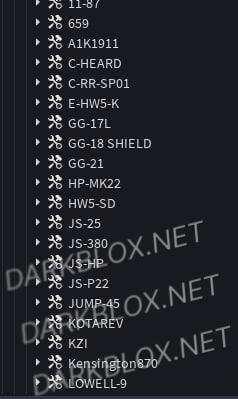 do u have any bd revamp gun system? i have one but its broken, do u have one? also can u provide place ids pl,s 🥺
 -
 some anims still refuse to work even after spoofing it, not sure if my spoofer spoofed everything but some guns dont work and aiming/shooting anims dont work proeprly
- 5 comments
- 1 review
-
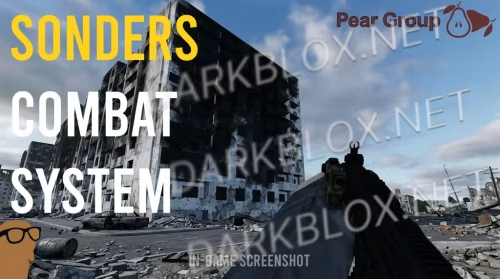 need to be cracked or sum
 -
-
Harrison Thompson changed their profile photo
-
Jakey Boy changed their profile photo
-
-
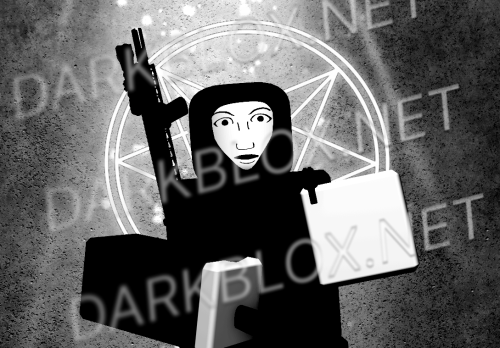
No Lives Matter / NLM Face LARP FOREVER NOW MY CHILD Both (2) Files explained. nlmfaceblendetest.fbx is the .fbx file which you are gonna have to import into Roblox. (I would recommend that you import it instead of uploading it to Roblox)nlmdummy.rbxm is the body which is optional and you can make your own one if you want to. File Information Submitter kasir0350 Submitted 10/22/26 Category Clothes View File
-
LARP FOREVER NOW MY CHILD Both (2) Files explained. nlmfaceblendetest.fbx is the .fbx file which you are gonna have to import into Roblox. (I would recommend that you import it instead of uploading it to Roblox)nlmdummy.rbxm is the body which is optional and you can make your own one if you want to.Free
- 1 comment
- 1 review
-
-
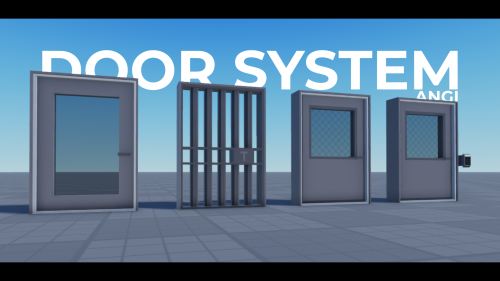
Angi Door System Simple door system with 4 pre-made models. File Information Submitter Angi Submitted 10/22/26 Category Systems View File
-
Yesterday
-
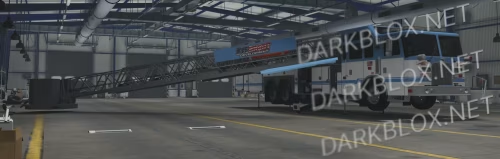
Got a working version of MTC Legacy (NOT from this Darkblox), and I'm in need for the BA-10 or BA-11 from the MTC Legacy. Why didn't mines already come with the armoured car? No idea. Anyone who can send either the BA-10 or the BA-11 can expect atleast one good asset in return (I will disclose the asset in question in DMs. It's up to what you want in return really).
-
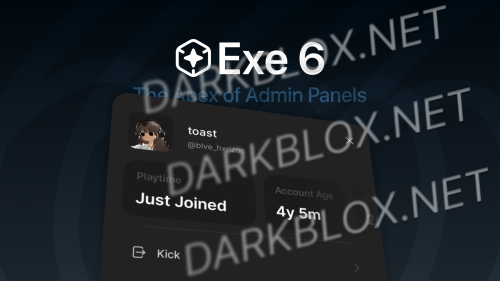 When publishing the game, the plugin "Exe 6" doesn't appear.
 -
Hey, this is an old post. I’ve got more up to date stuff if you want to trade/buy for Robux. I’ve sent you a dm
-