Registration is limited to Google Gmail & MailRU & Yahoo & Yandex email addresses.
Do not create multi-accounts, you will be blocked!
All Activity
Past hour
-
Prussiano kk joined the community
-
Jack Find joined the community
-
caden wilkey joined the community
-
-
migga12293444443 joined the community
-
Longlivesing joined the community
-
Sameer Narine joined the community
-
-
Bam Plush joined the community
-
blanquito3 joined the community
-
eeeeeeeeeeeeee changed their profile photo
-
Le Nyxos changed their profile photo
-
u might just have to reupload them i cant lie but if u want a SUGGESTION on what to get then it depends on ur budget but RCE or Bruiser is decent
-
-
V3ncc changed their profile photo
-
https://clearlydev.com/product/r6-animated-drum-major-mace & https://clearlydev.com/product/animated-instrument-pack
-
 how are the suppression effects on this?
 Today
-
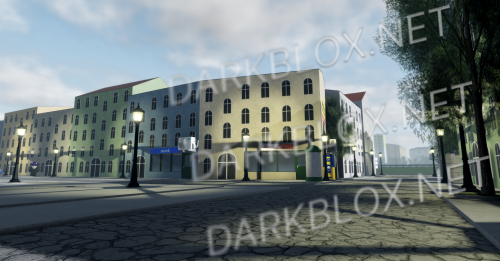
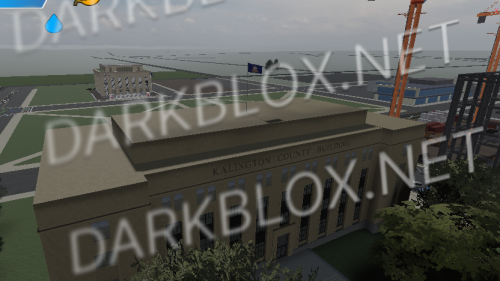 Honestly not a bad map but when these places sell it they don't show the roughness behind it.Free
 -
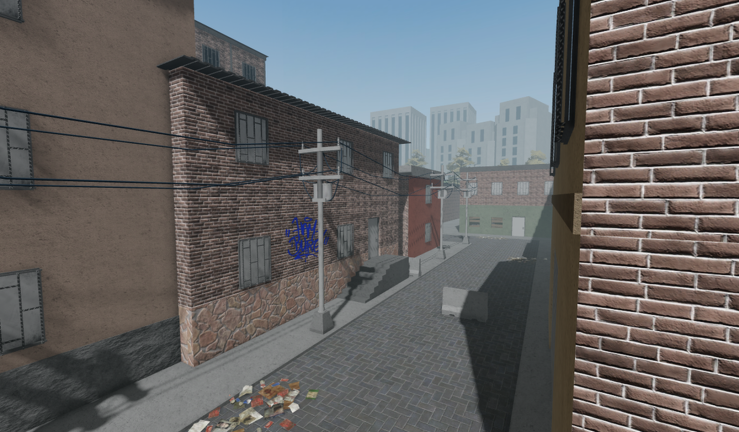
Kalington County Honestly not a bad map but when these places sell it they don't show the roughness behind it. File Information Submitter Southern Leaker Submitted 09/19/26 Category RolePlay View File
-
DAVID ETS changed their profile photo
-
Jordan Clark changed their profile photo
-
-
aeron changed their profile photo
-
.thumb.webp.b37d68f76f7e26f9a1ff1ca6aa4f5c7b.webp) does it have all the cars if not can you get them I just want the cars for my project.
does it have all the cars if not can you get them I just want the cars for my project. -
sandraissandrain changed their profile photo
-
hit yo changed their profile photo
-
-
How do I start the car?
-
-
Andrew Haste changed their profile photo
-
fffaffa changed their profile photo
-
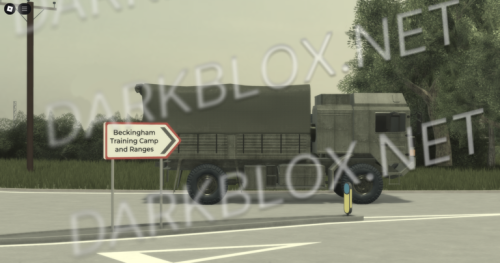 lol there's nothing there
 -
-
-
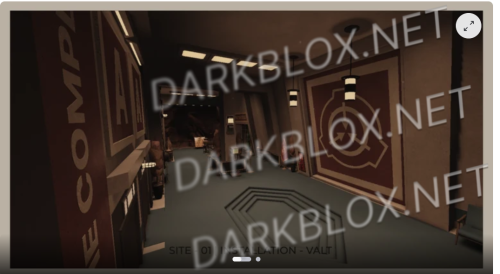 le site 01 de un fdp de dev a la con il dait chierFree
 -
SITE 01 de un FDP le site 01 de un fdp de dev a la con il dait chier File Information Submitter Autorithy Submitted 09/19/26 Category SCP View File
-
https://www.roblox.com/share?code=d3daba9448c738469d2133a869acbcd4&type=ExperienceDetails&stamp=1789823162441
-
-
-
Hm? What's up?
-
this dude...
-
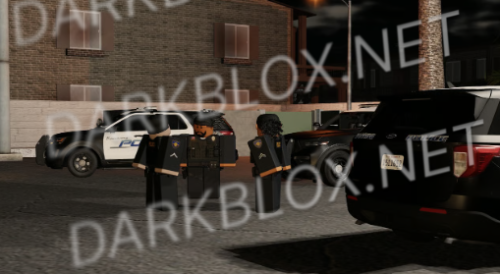
Oxford Response [Save Instanced] Oxford Response [Save Instanced]Heads up! I did NOT create this game, I only Save Instanced and uploaded it to DarkBlox for others to be able to have access to and use the file. All credits belong to the original owners, creators, and developers of the game. Enjoy and happy developing! 😃 You can make a Save Instance request by creating a Support Ticket within the [VS] Visionary Studios Discord Server (https://discord.gg/D3GusB9qWK). Disclaimers:I am not responsible for the quality of the game. I am not responsible for any bugs or missing assets, models, scripts, etc. I am not required to provide any additional support on how to make the game work. (BUT I am always willing to TRY my best to help you with any questions/issues you may have via DarkBlox Messages or Discord (@austinparks)) Before You Play:For the best chance of the game working, please ensure the following: You have published the game to Roblox. You have enabled HTTP Requests. You have enabled Studio Access to API services. Additional Notes:Based on the game, you may also need to do the following to ensure it works properly: Spoof or replace any missing animations. Replace any missing/deleted IDs for assets, animations, audios, decals, etc. Change the character rig type from R15 to R6 or vice versa Be sure to also check out the “THANK YOU!” script in the Explorer for possible solutions to other common problems. File Information Submitter Austin Parks Submitted 09/19/26 Category Dexxed & Maps View File
-
Oxford Response [Save Instanced]Heads up! I did NOT create this game, I only Save Instanced and uploaded it to DarkBlox for others to be able to have access to and use the file. All credits belong to the original owners, creators, and developers of the game. Enjoy and happy developing! 😃 You can make a Save Instance request by creating a Support Ticket within the [VS] Visionary Studios Discord Server (https://discord.gg/D3GusB9qWK). Disclaimers:I am not responsible for the quality of the game. I am not responsible for any bugs or missing assets, models, scripts, etc. I am not required to provide any additional support on how to make the game work. (BUT I am always willing to TRY my best to help you with any questions/issues you may have via DarkBlox Messages or Discord (@austinparks)) Before You Play:For the best chance of the game working, please ensure the following: You have published the game to Roblox. You have enabled HTTP Requests. You have enabled Studio Access to API services. Additional Notes:Based on the game, you may also need to do the following to ensure it works properly: Spoof or replace any missing animations. Replace any missing/deleted IDs for assets, animations, audios, decals, etc. Change the character rig type from R15 to R6 or vice versa Be sure to also check out the “THANK YOU!” script in the Explorer for possible solutions to other common problems.Free